01
No internet permission
Not a promise—an absent permission. The app cannot open a network connection, and you can check that yourself in thirty seconds.
ON-DEVICE REWRITING
Fix grammar or shift tone in the app you are already typing in. The model runs on your phone, every change is marked, and nothing is replaced until you say so.
Not a promise—an absent permission. The app cannot open a network connection, and you can check that yourself in thirty seconds.
Every rewrite waits in a visible diff. Nothing changes until you say so.
No sign-in. No analytics SDK. No cloud model. No remote logs. Nothing to opt out of.
ROUGH IN. READY OUT.
Write as you normally would. Choose Fix, Professional, or Casual. SottoKey marks the difference and leaves your original in place until you accept.
tehThe meeting got moved to 3pm.
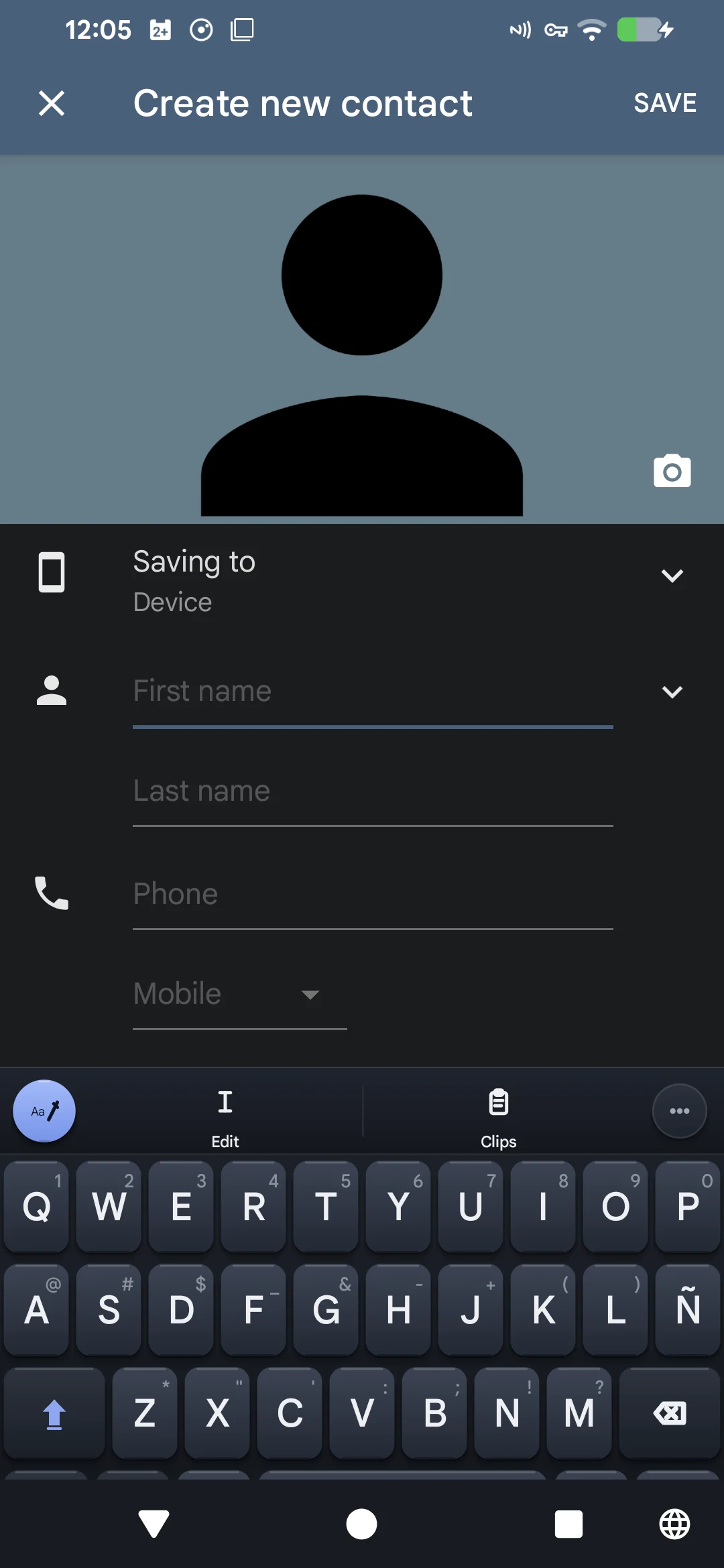
THE REST OF THE KEYBOARD MATTERS
Autocorrect, text editing, clips, undo, emoji, and bilingual typing are part of the same everyday keyboard.
Stay in the message, note, form, or document you already opened.
KEEP THE CLOUD OUT OF THE CONVERSATION
Write, revise, and decide on your phone.